

Cable Management & PC Tidying
Cable Management & PC Tidying
Couldn't load pickup availability
Cable Management & PC Tidying
MAINTENANCE SERVICE
Cable Management
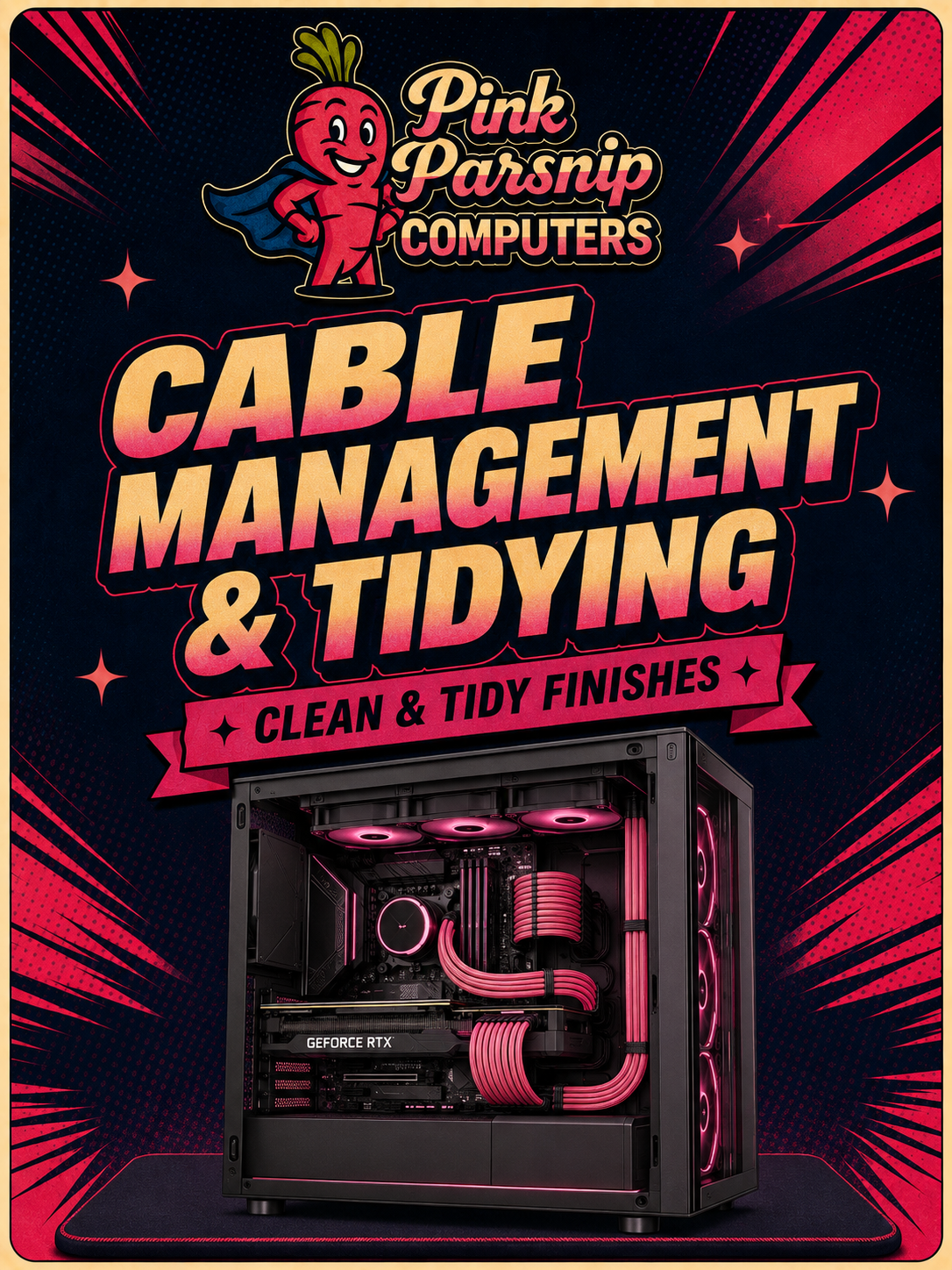
Messy cabling doesn't just look rough behind glass — it blocks airflow and traps heat. A proper re-route makes your system run cooler and look the part at the same time.
STEP 01
Re-Route & Optimise
Every cable is unrouted, re-run behind the tray, and tied down along the cleanest path available — power, data and fan headers all sorted so nothing crosses the airflow path or sits in view.
STEP 02
Better Airflow & Looks
With cables out of the way, air moves through the case the way it was designed to — lower temperatures, quieter fans, and a build that looks as sharp inside as it does outside.
Back to all products
Browse PCs, components, monitors, headsets, keyboards and more
Finish your battlestation
✨ Complete Your Setup
Your PC is only part of the setup. Find the monitor, keyboard, headset and accessories to finish it properly.