

CPU Cooler Change (Tower Cooler)
CPU Cooler Change (Tower Cooler)
Couldn't load pickup availability
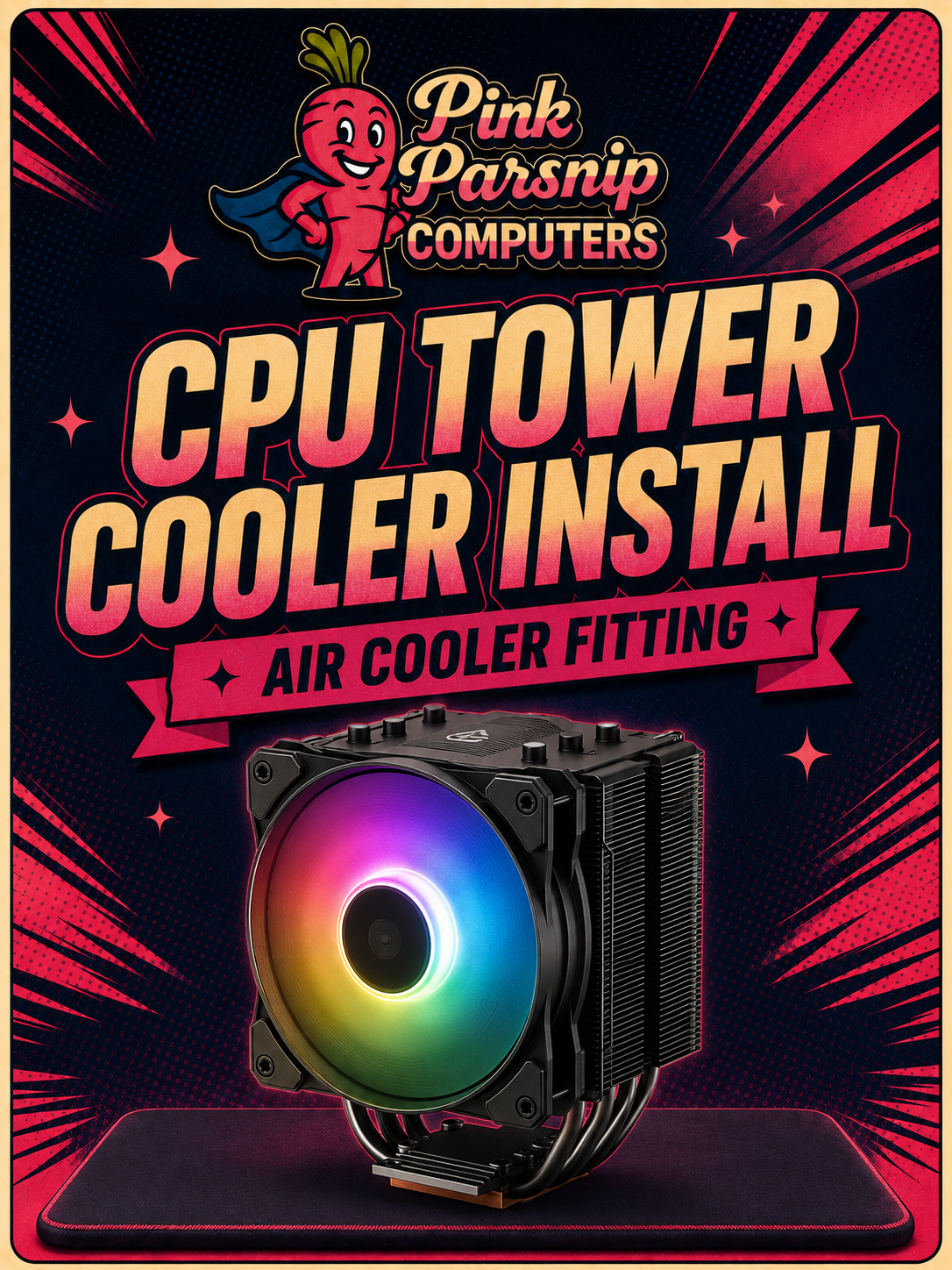
CPU Cooler Change (Tower Cooler)
UPGRADE SERVICE
Cooler Upgrade
Stock coolers are built to a price, not a limit. Dropping in a proper tower cooler brings temperatures down and lets your CPU actually hold its boost clocks — here's how we fit one properly.
STEP 01
Remove Old Cooler
The existing cooler is unmounted and lifted clear, and the CPU and socket area are cleaned of old thermal paste ready for a proper fresh start.
STEP 02
Fresh Thermal Paste
A new, even layer of thermal paste is applied to the CPU — the right amount, spread correctly, so heat transfers cleanly with no air gaps or hot spots.
STEP 03
Install & Test
The new tower cooler is mounted at the correct pressure and clearance-checked against your case and RAM, then the system is run under load to confirm temperatures have actually improved.
Back to all products
Browse PCs, components, monitors, headsets, keyboards and more
Finish your battlestation
✨ Complete Your Setup
Your PC is only part of the setup. Find the monitor, keyboard, headset and accessories to finish it properly.